 in Email Again." loading="lazy">
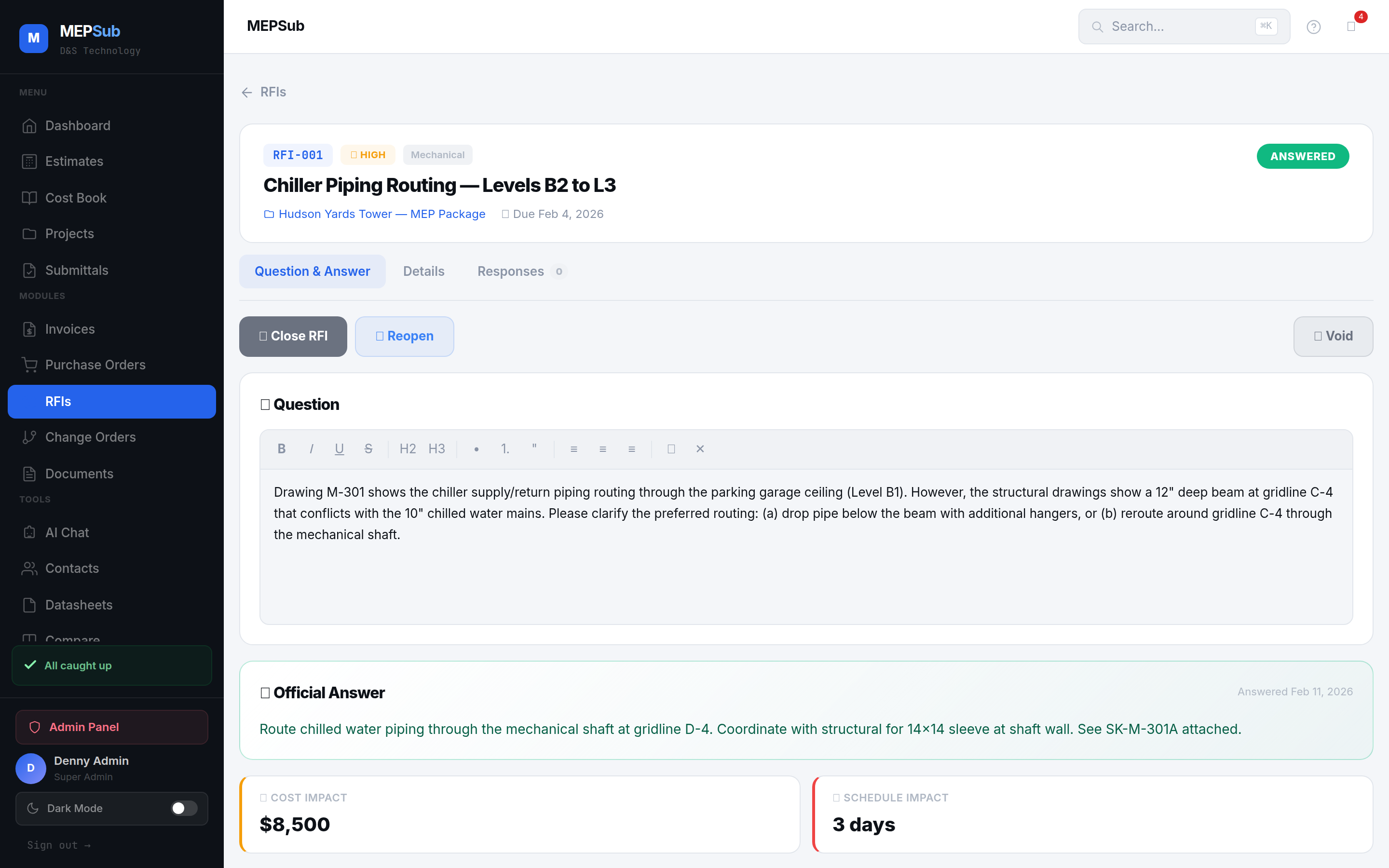
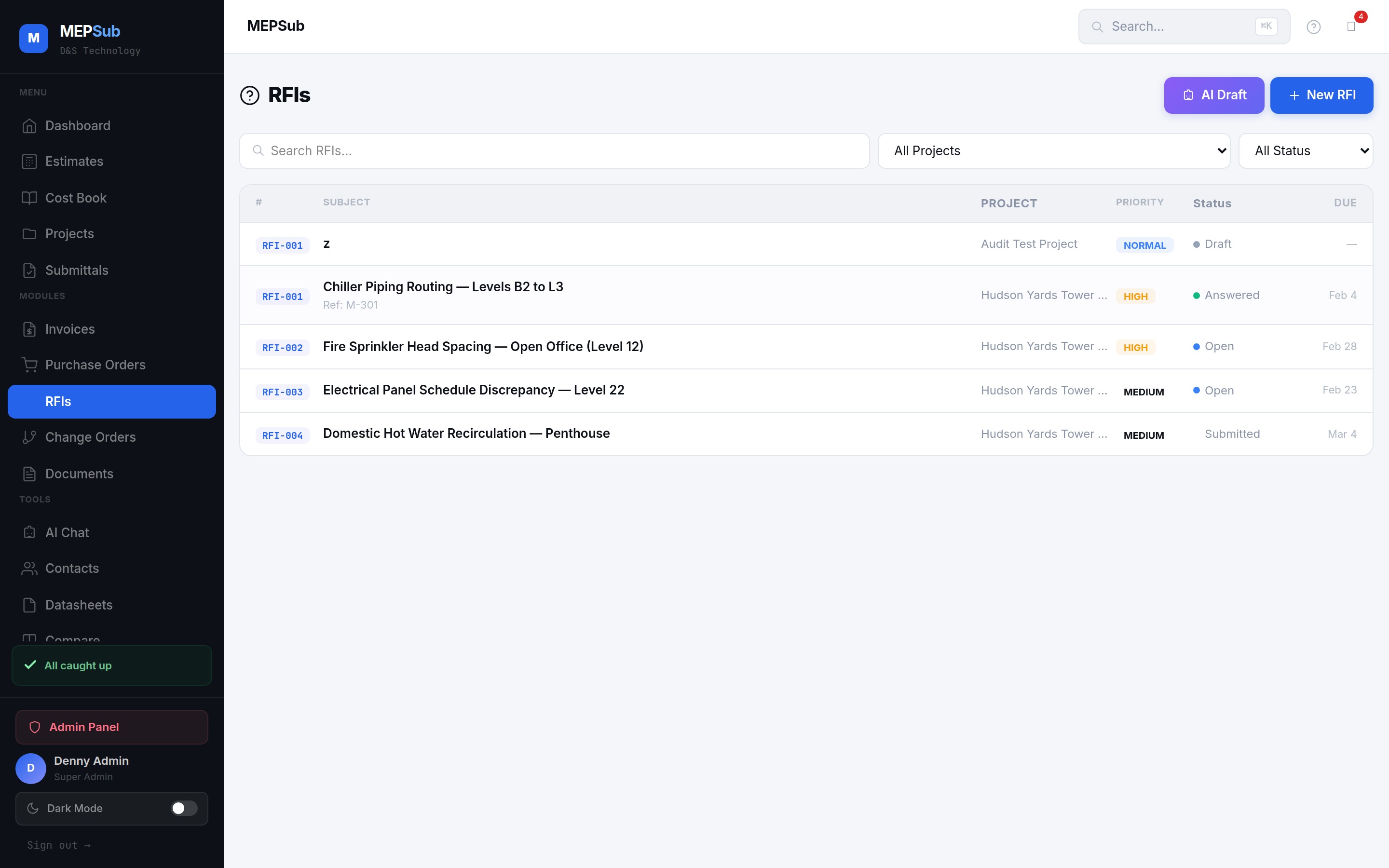
RFI register with priority levels, deadlines, and real-time status tracking
Create RFIs with AI-drafted questions, set priority levels and deadlines, track responses in threaded conversations, and maintain a searchable log for every project.
in Email Again." loading="lazy">
Describe the issue in plain English. AI drafts a professional RFI question with proper technical language and references.
Assign priority level (low, medium, high, urgent) and set a response deadline. Automatic reminders when deadlines approach.
All responses in a threaded conversation. Attach drawings, photos, or documents. Full history in one place.
Mark RFIs as resolved with the final answer. Searchable history with full audit trail per project.
Describe the issue and AI writes a formal, professional RFI with technical language, spec references, and suggested resolution paths.
Set response deadlines with automatic reminders. Visual indicators show overdue, approaching, and on-track RFIs at a glance.
All back-and-forth in a single threaded conversation. No more searching email chains for the latest response.
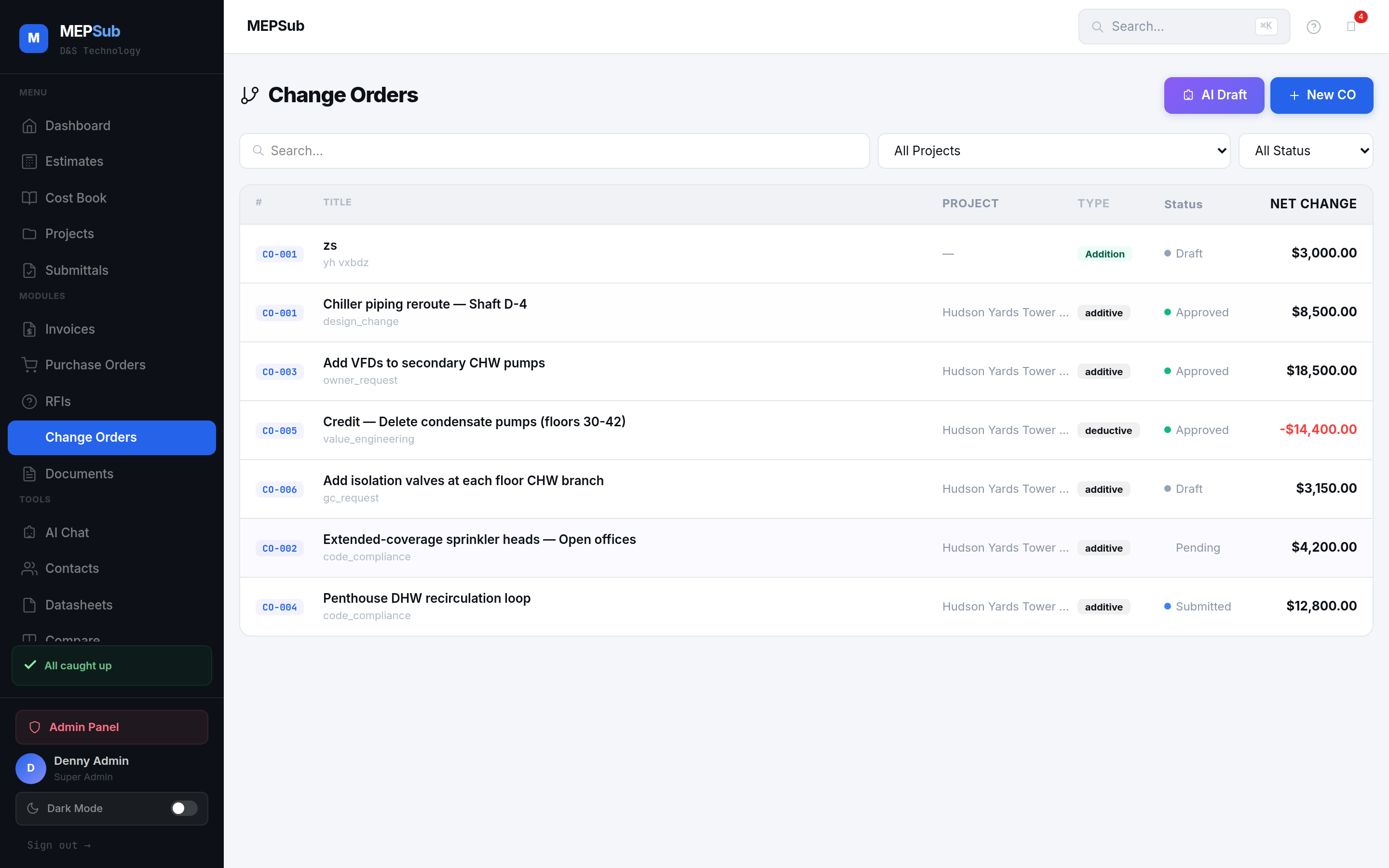
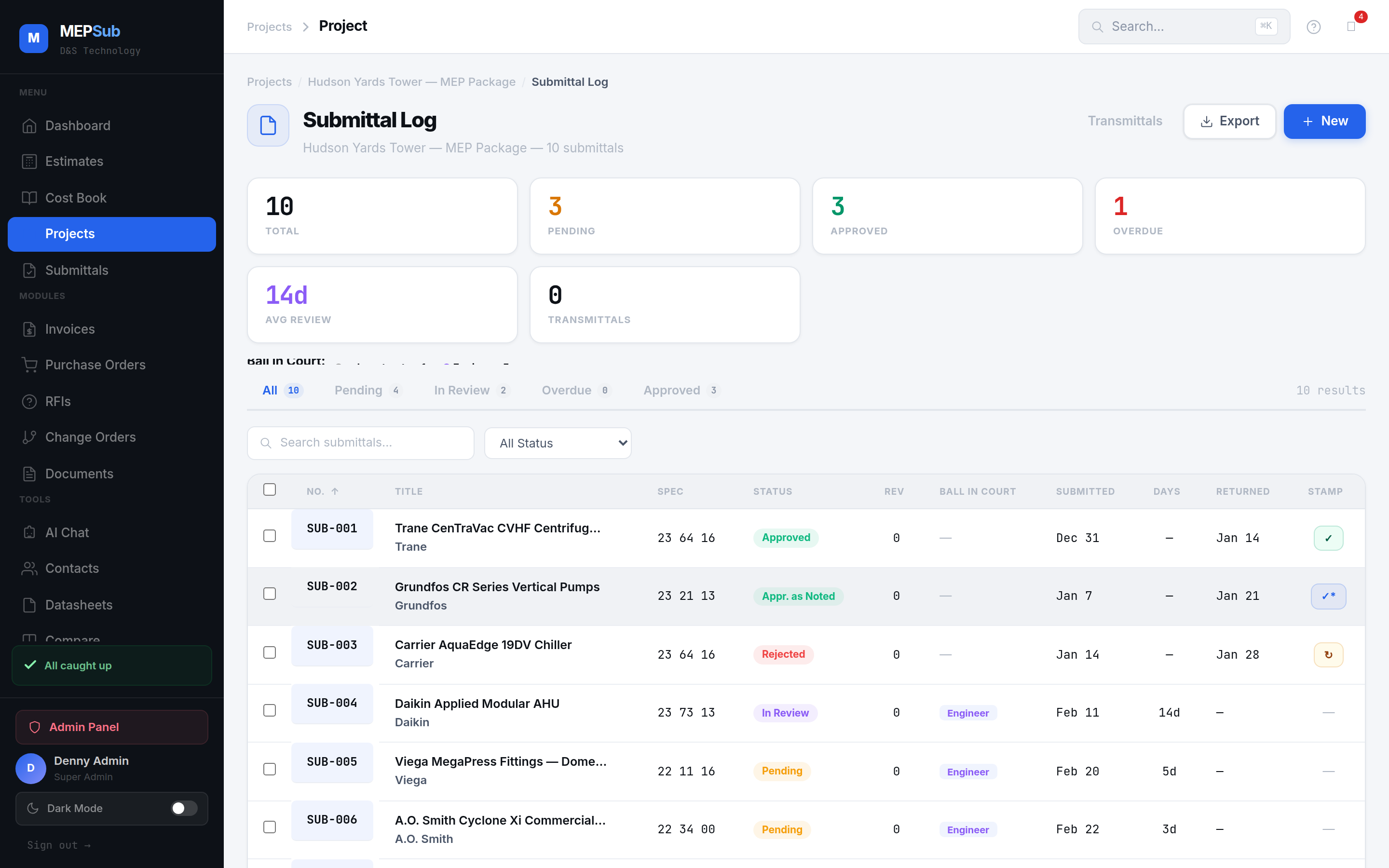
Every RFI tied to its project with automatic numbering. Cross-reference with submittals and change orders.
Generate professional RFI documents with your company branding, question, response history, and resolution status.
See all RFIs at a glance — open, pending, resolved, overdue. Filter by project, priority, or assignee.
Click any image to enlarge.